Parts of your workspace
The icon rail, search, filters — and the three areas you will use most.
Carousel PortalWorkflows — view, create, share, preview, and disable every flow.
Three areas
- Workflows — build, preview, share, and disable every flow.
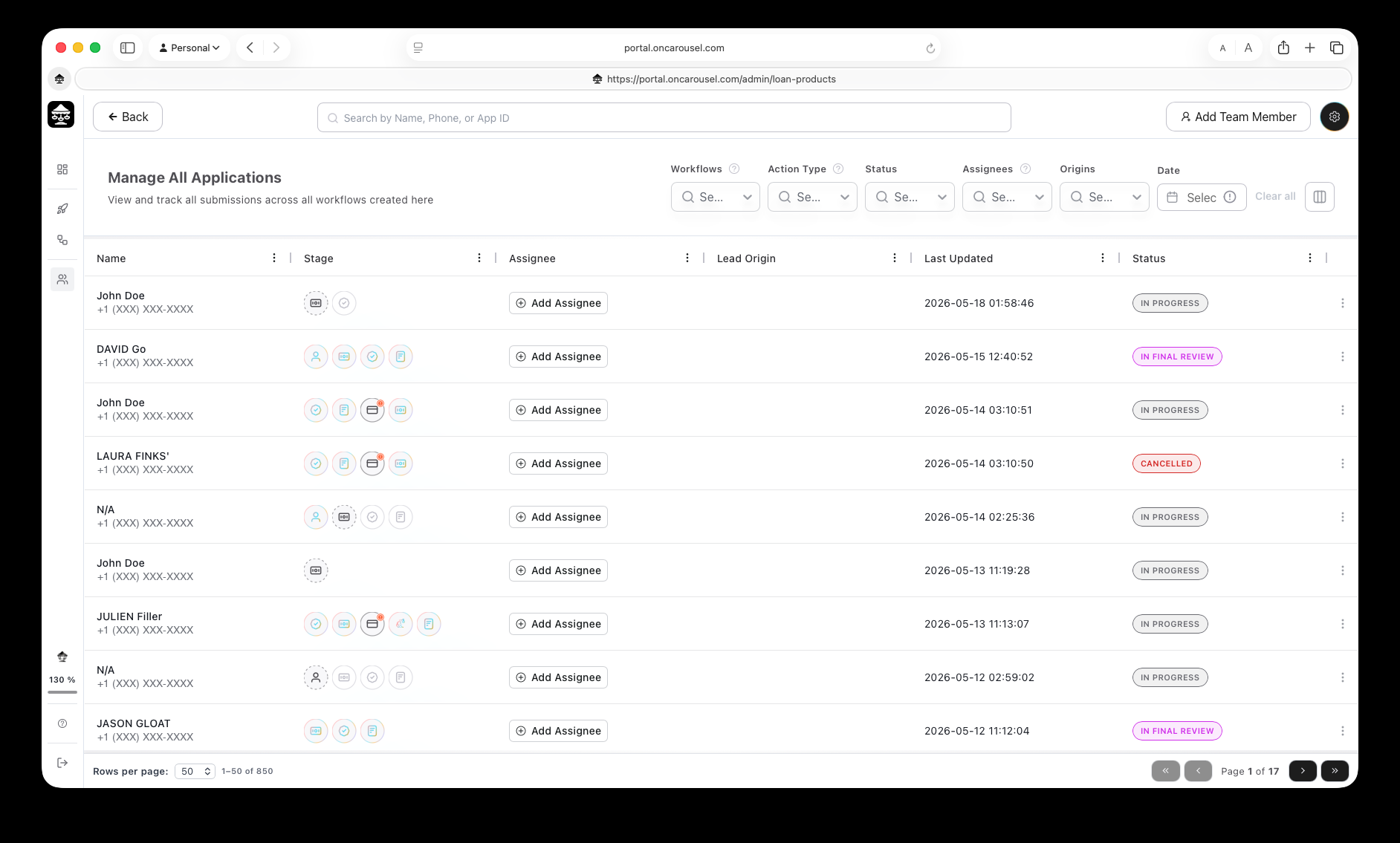
- Applications — the shared queue of everything applicants have submitted.
- Settings — branding, team access, and integrations.
Getting around
- The icon rail on the left switches areas.
- Search finds an applicant by name, phone, or application ID.
- Filters narrow the queue by workflow, stage, status, or assignee.

