See all your workflows
View, create, preview, share, and disable every workflow from one place.
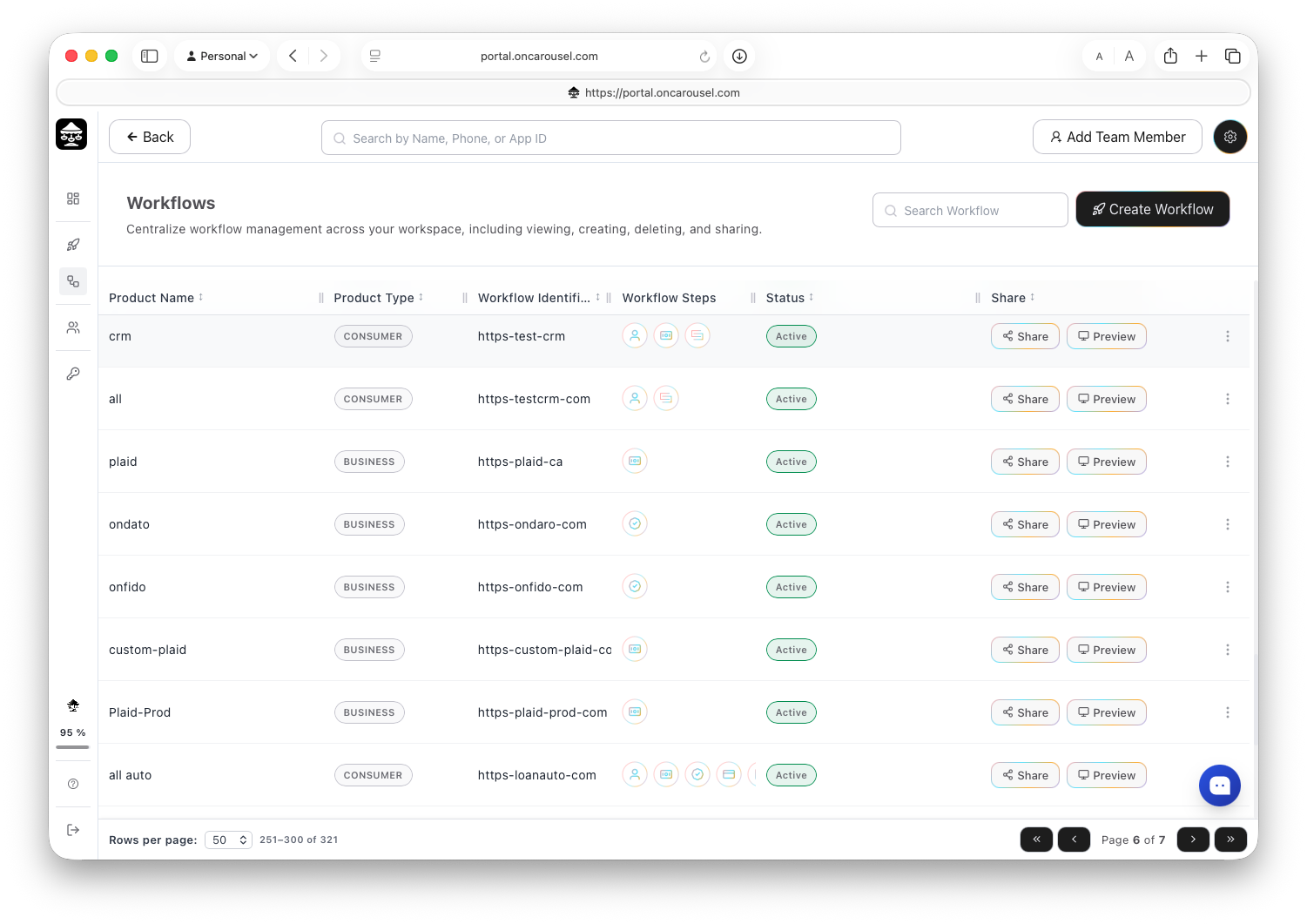
Carousel PortalWorkflows — view, create, share, preview, and disable every flow.
The Workflows list shows each flow you have built, whether it is active, and how many applications it has produced.
What you can do from the list
- Preview — walk through the flow exactly as an applicant would.
- Share — copy the link or grab the embed code.
- Duplicate — spin up a variant without rebuilding it.
- Disable — stop accepting new applications without deleting history.
Editing a live workflow
Edits apply to new applications. Applications already in flight keep the version they started on.

