Review a submission
Read a finished file — every step result with its documents attached, on one page.
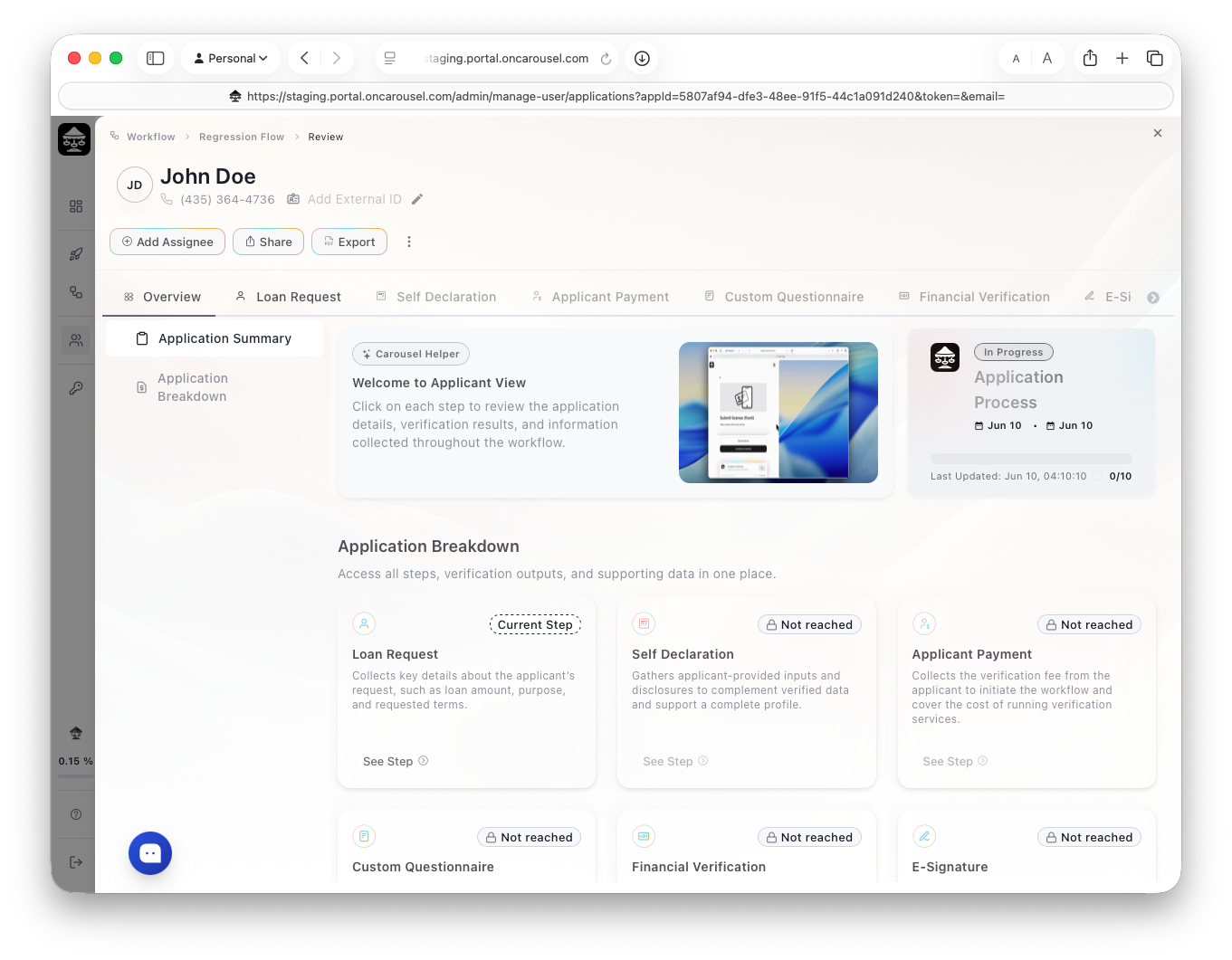
Carousel PortalA submission in review — every step, verification output, and document in one place.
Open any submission to see each step’s result in the order the applicant completed it, with the underlying documents attached. There are no tabs to reconcile and nothing to download separately.
What a reviewer sees
- Verified identity fields, with the ID images.
- Bank-linked income and transaction insight.
- Credit, background, and court results where configured.
- Signed documents and questionnaire answers.
Acting on it
Approve, decline, or request more information. Where a step needed manual approval, the decision is recorded against that step. Export the file with Export as PDF.

